A company is not a process. It is a network.
The showroom shows single workflows. This page shows how they connect: which data travels from department to department, where handoffs stall and where a person decides.
A model company. The green dots are demo workflows from the showroom, not client projects.
Events travel from department to department: an enquiry becomes an order, the order a delivery note, the delivery note an invoice. Every green dot is a workflow you can open as a demo in the showroom.
Map of a model company: departments, demo workflows and how they connect
Shared data
Customers · Products · Suppliers · Orders · Employees
- Customer
- Ticket (from Customer to Service)
Service
- AI chatbot, View demo
- Translation, View demo
- Internal knowledge AI, View demo
- Complaints & returns
- Follow-up (from Service to Sales & marketing)
Sales & marketing
- Qualify enquiries, View demo
- Outbound in the CRM, View demo
- Personalised outreach, View demo
- Content planning, View demo
- Write a quote
Also: Enquiry (from Customer to Sales & marketing)
- Order (from Sales & marketing to Warehouse & shipping)
Warehouse & shipping
- Shop order handling, View demo
- Book goods receipt
Also: Delivery note (from Supplier to Warehouse & shipping), Goods receipt (from Warehouse & shipping to Accounting)
- Demand (from Warehouse & shipping to Purchasing)
Purchasing
- Reorder proposal
- Place the order
- Read the confirmation
Also: Purchase order (from Purchasing to Supplier)
- PO data (from Purchasing to Accounting)
Accounting
- Read invoices, View demo
- Invoice checking, View demo
- Incoming invoices, View demo
- Dunning, View demo
- Outgoing invoice
Also: Goods receipt (from Warehouse & shipping to Accounting), Payment (from Bank to Accounting)
- Approval (from Accounting to Management)
Management
- Audit trail (from IT & privacy to Management)
- New hire (from People to IT & privacy)
People
- Onboarding, View demo
- Leave requests
- Demo in the showroom
- typical task, no demo of its own
- a person decides along the way
Not on the map: the medical letter. It belongs in a clinic, not in this model company, and is in the showroom.

Staged scene
Monday, 9:00 am
A firm laid out on brown paper.
Who passes what to whom, and where does it get stuck? Usually where two departments meet.
Automate one workflow on its own and you often just move the queue. The expensive places are between departments.
One order through the whole company.
Ten stations, five departments, one record. At each station you see what runs on its own, where a person decides and which data travels on to the next station.
The record
Sample data, made up
Enquiry
Customer Sample Metalworks Ltd · Need 200 wall brackets
Quote
Line items 3 products · Quote total €4,180
Order
Order number A-10418 · Delivery week 46
Purchase order to the supplier
PO number B-2207 · Supplier Example Steel Co
Goods receipt
Delivery note LS-5531 · Delivered 200 of 200
Shipping
Tracking number 00340 55217
Invoices, out and in
Invoice number R-30118 · Due in 14 days
Payments and dunning
Payment received · Dunning level none
Bookkeeping
Entry suggested, checked
Report
Weekly report up to date
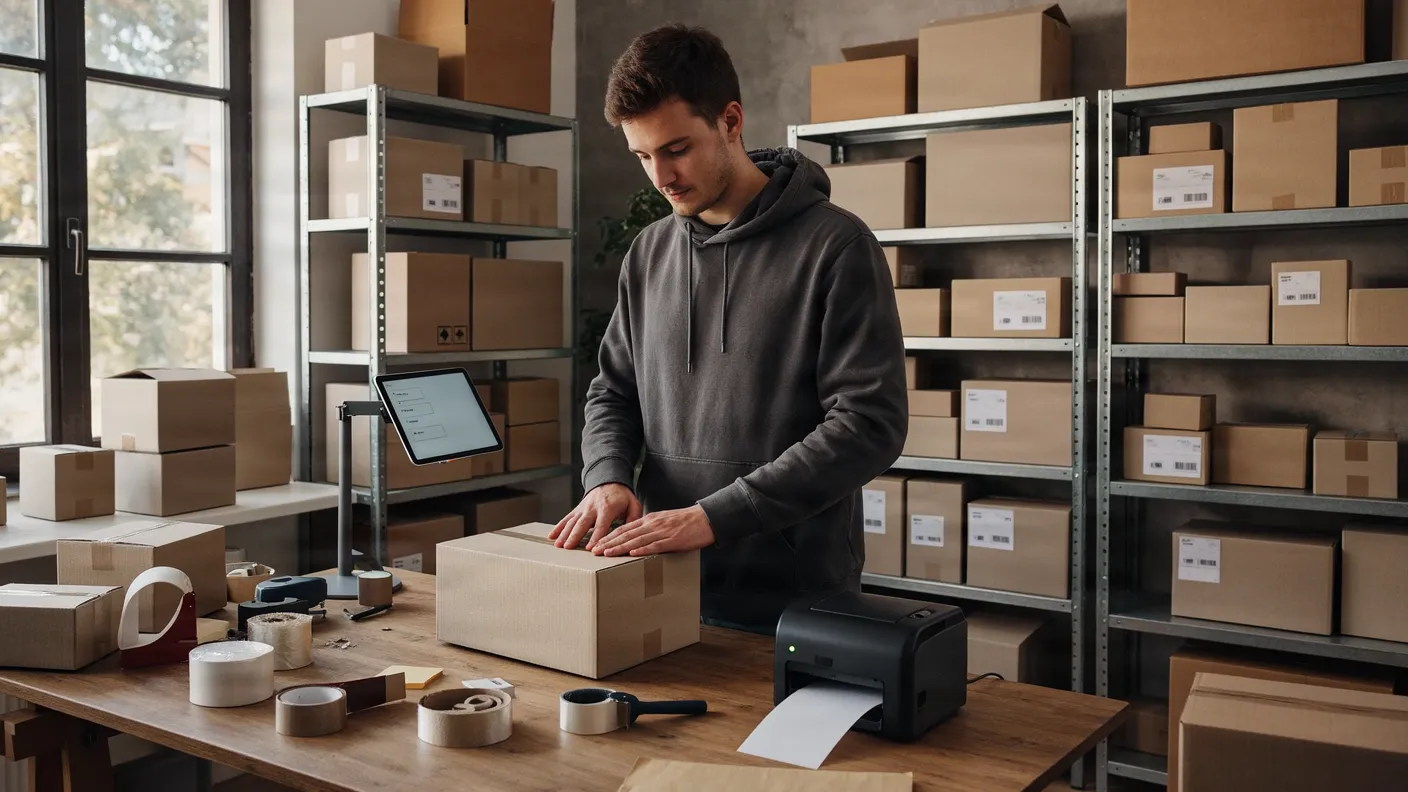

Staged scenes, not client projects.
What can be automated in any company.
Departments differ, the building blocks hardly do. Twelve that show up in almost every workflow: each with an example from the showroom and the point where it stops paying off.
12 building blocks
Match data
Shows up in: Accounting · Purchasing · Warehouse & shipping
Lay two sources side by side and show only the differences: invoice against purchase order, payment against open items.
Read documents
Shows up in: Accounting · Warehouse & shipping · Purchasing · People
AI reads invoices, delivery notes or forms and turns them into data a system can work with.
Get approvals
Shows up in: Management · Accounting · Purchasing · Sales & marketing
The workflow pauses, puts everything in front of the responsible person and continues after their decision.
Notify and remind
Shows up in: People · Sales & marketing · Service · Management
The right person learns at the right moment that it is their turn, instead of having to ask.
Handoffs between systems
Shows up in: Warehouse & shipping · Sales & marketing · Accounting · IT & privacy
What is created in one system lands in the next without retyping: shop, inventory, accounting.
Watch deadlines
Shows up in: Accounting · People · IT & privacy · Purchasing
Payment terms, early-payment discount, probation, go-live: the workflow knows the deadline and speaks up before it.
Build reports
Shows up in: Management · Sales & marketing · Accounting
Figures from several systems are combined and sent regularly, without anyone building a spreadsheet.
Sort and answer enquiries
Shows up in: Service · Sales & marketing
Incoming enquiries are recognised, sorted and, where there is a clear answer, answered directly.
Make knowledge findable
Shows up in: Service · IT & privacy · People
Questions from the team are answered from your own documents, with the source.
Translate in the flow of work
Shows up in: Service · People · Sales & marketing
Messages appear in the recipient's language, with your own glossary.
Grant and revoke access
Shows up in: IT & privacy · People
Accounts appear when someone joins and disappear when they leave, each with the right permissions.
Evidence and logs
Shows up in: IT & privacy · Management · Accounting
Every step is recorded: who decided what and when. For audits, access requests and the question why something went the way it did.
Where do you start?
Not with a tool and not with the whole map, but with the handoff that costs the most. To find it, I built tools of my own.
Full disclosure: every tool in this section comes from me and balane GmbH.
Report
Friction log
App for iPhone and Android
Your team notes what gets in the way, in the moment, in seconds. After one week the app projects what that costs per month.
Measure
Self-check
in the browser
Places one workflow. You see the short summary straight away, without an email address. For the detailed report the check asks for one.
FlowVisual
Desktop app for macOS and Windows
Runs locally, no cloud. You capture the workflow the way you would describe it in conversation, and a Monte Carlo stress test shows the bottleneck. Plus utilisation per team, a process handbook with RACI and the business case in euros. There is a free version.
Cut
Flowrefy
Method
FLOW measures which step really costs money: find, lay bare, observe, weigh. REFY cleans up: reduce, enable, fit, yield. Only what survives that gets automated.
Automate
Showroom
Demo workflows
What remains runs like the workflows in the showroom, with your systems and your rules.
Which handoff costs you the most?
Find out yourself, with the self-check or the friction log. Or we look at it together.
A model, not a promise.
Everything on this page is a model company: demo workflows, made-up sample data, assumed waiting times. No client projects, no measured results. I am not certified for hospital information systems, gematik or DATEV. And there is no greenfield strategy here: the starting point is the workflows you already have.